Photo editing tips and tutorials
Practical guides on removing backgrounds, erasing objects, upscaling images and preparing photos for e-commerce, print and social media.

Learn how to remove people from photos: erase tourists and photobombers with an AI eraser, handle crowds and shadows, and plan shots that are easy to clean up.

Learn how to remove an object from a photo: brush over it with an AI eraser, let inpainting fill the gap, and use pro tips for clean, natural-looking results.
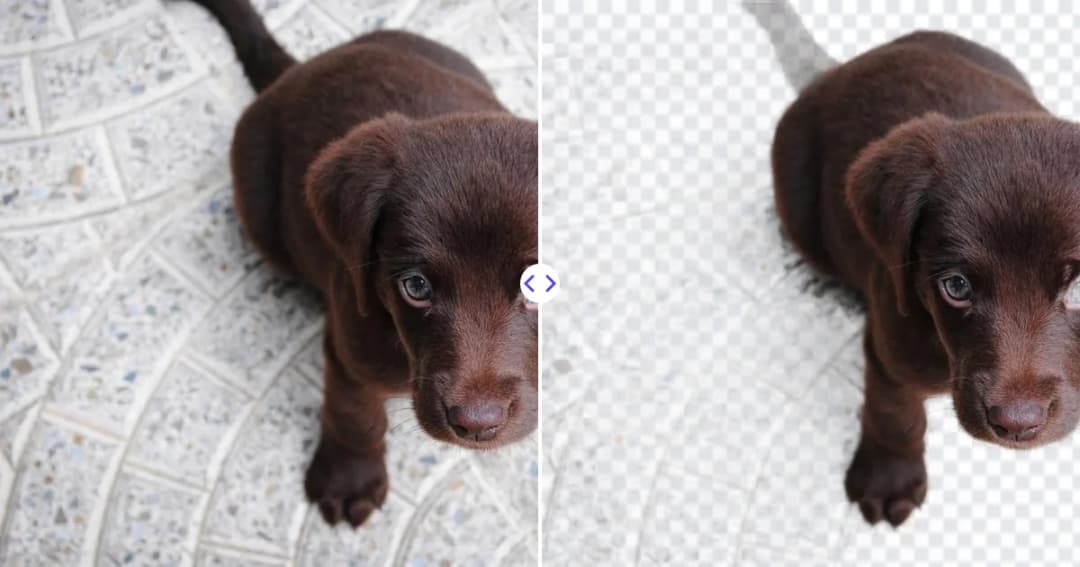
Learn how to make stickers from photos: cut out the subject as a transparent PNG, add a white border, then use it in chat apps or print it on sticker paper.
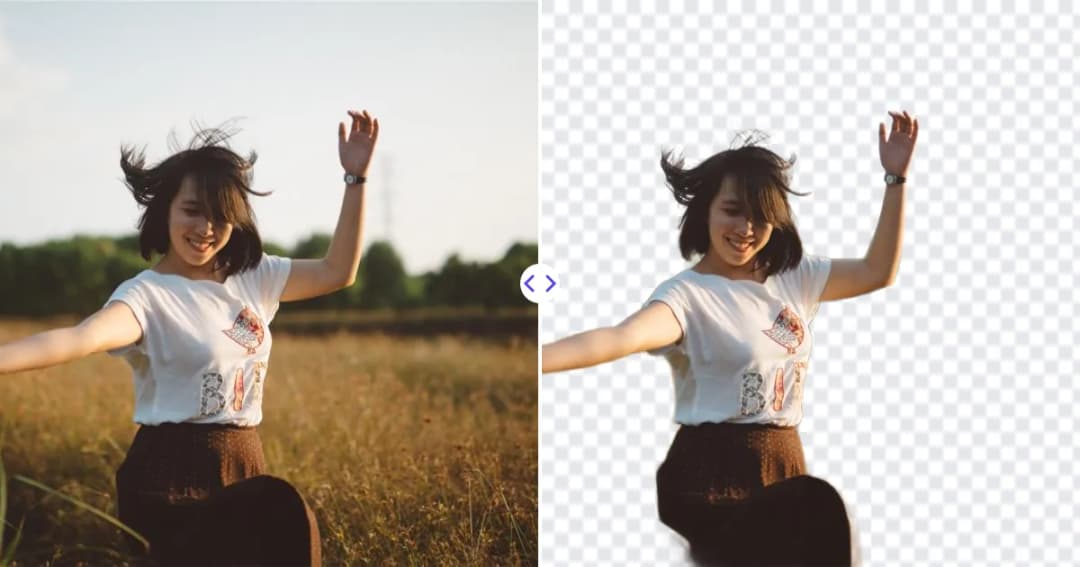
Learn how to add a new background to a photo: cut out the subject as a transparent PNG, then place it on a color or scene in Canva, Photoshop, GIMP or Slides.

Learn how to take photos that are easy to cut out: contrast, lighting, focus, distance from the background and framing tips for cleaner AI background removal.
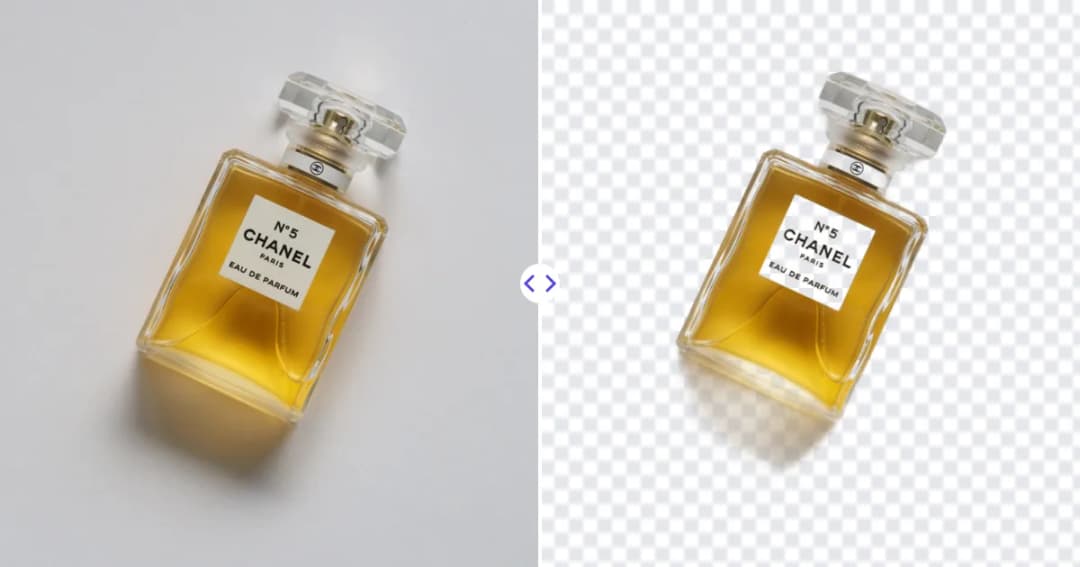
A plain-English guide to Amazon product image requirements: white background, 85% frame fill, size for zoom, file formats and how to prepare compliant photos.

Practical product photography tips for ecommerce: lighting, backgrounds, angles, phone settings and editing steps that make listings look clean and consistent.
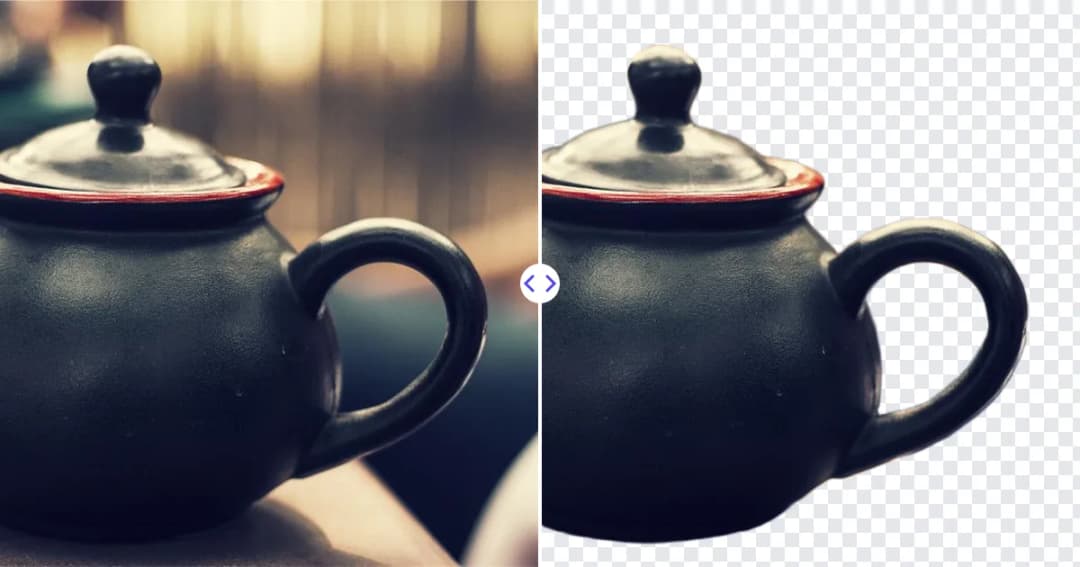
Learn how to make a logo transparent by removing its white or colored background with AI or an editor, fixing halos and saving a crisp, reusable PNG file.
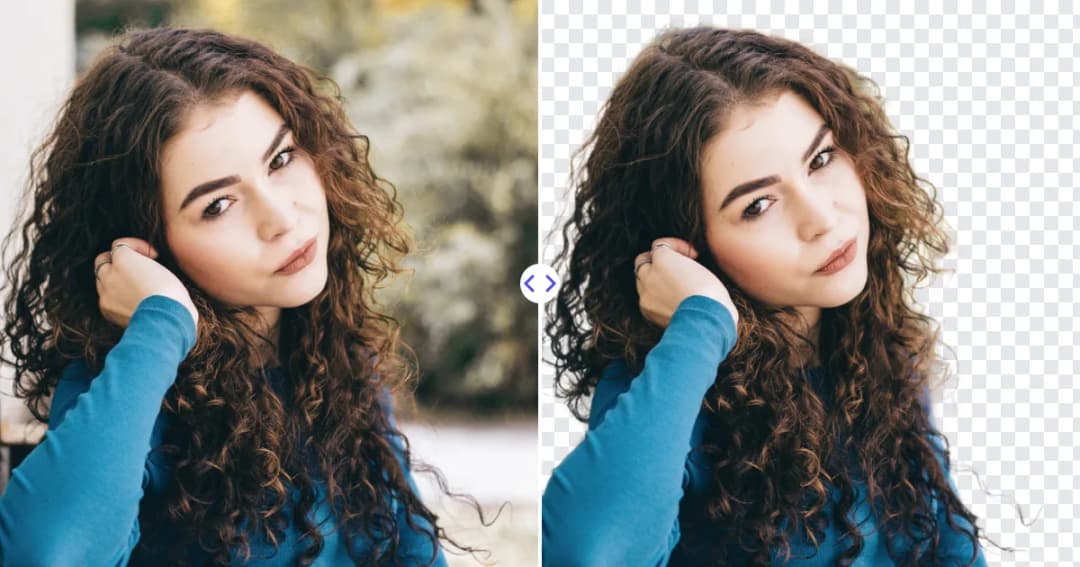
Why hair is the hardest part of any cutout, and how to cut out hair in photos cleanly with AI, Photoshop's refine tools and better shooting techniques.