Background Remover for Amazon - Clean Product Photos for Listings
Cut your product out of any photo with an AI background remover for Amazon, then place it on pure white for a clean main image that fits marketplace guidelines.
4 min read
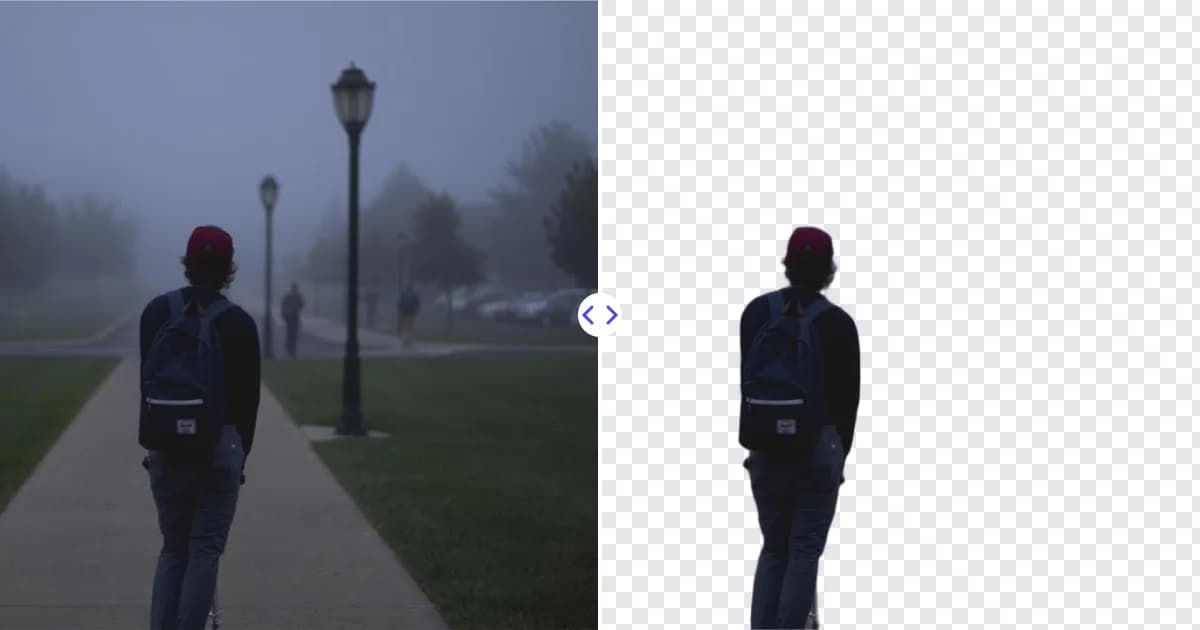
A background remover for Amazon helps you turn an ordinary product snapshot into a clean cutout that is ready for a white-background main image. Upload your photo to Remove Photo Bg, let the AI isolate the product, and download a transparent PNG that you can drop onto a pure white canvas in seconds.
Amazon asks sellers to use a pure white background on the main product image, and that single requirement is where many listings stall. Instead of renting a studio or masking edges by hand, you can let the AI handle the cutout and spend your time on the parts of the listing that sell.
What the tool does for Amazon sellers
Remove Photo Bg detects the product in your photo automatically and removes everything around it: the table, the wall, the clutter on the shelf, the shadow-filled corner of your garage. The result is a PNG with a transparent background, which is the most flexible starting point for marketplace images.
- Automatic subject detection - no manual selection or pen tool needed.
- Transparent PNG output - place the product on pure white, or on a lifestyle scene for secondary images.
- Works on most product types - bottles, apparel, electronics, toys, jewelry, tools and packaged goods.
- Runs on our own servers - your unreleased product photos are not sent to third-party AI services.
How to prepare an Amazon main image in 4 steps
- Upload your photo. Open the background remover and upload a JPG, PNG or WEBP file up to 16 MB.
- Let the AI cut out the product. The background is removed automatically. Check the edges, especially around thin parts like cables, straps or handles.
- Download the transparent PNG. Save the cutout to your computer or phone.
- Place it on pure white. Open the PNG in an editor such as Canva, Photoshop or GIMP, set the canvas to pure white (#FFFFFF), center the product and export as JPG or PNG for upload.
Remove Photo Bg does not add a new background itself, so step 4 happens in the editor you already use. Our guide on how to add a new background to a photo walks through it.
Commonly documented Amazon image requirements
Amazon publishes its own product image guidelines, and they can differ by category and marketplace. The points below are widely cited, but always confirm them in your current Seller Central help pages before you publish.
- The main image is expected to show the product on a pure white background.
- The product should fill most of the frame rather than float small in the middle.
- Larger images (commonly cited as at least 1000 px on the longest side) let shoppers use zoom.
- Main images generally should not include extra text, logos, watermarks or props that are not part of the product.
For a deeper walkthrough, read our article on Amazon product image requirements.
Tips for the best cutouts
Shoot with contrast
A product photographed against a plain wall or sheet that differs in color from the item gives the AI the clearest edge. A white mug on a white table is harder to separate than a white mug on a gray board.
Use even light
Soft, diffused light from a window or two lamps reduces harsh shadows that can be mistaken for part of the product.
Keep the whole product in frame
Leave a little space around the item. Cropped corners cannot be recovered once the background is gone.
Fix small images before you list
If your source photo is small, run the cutout through the 4× image upscaler so the final white-background image has enough pixels for zoom.
Use cases beyond the main image
The same transparent PNG is useful across your whole listing and brand:
- Secondary images that place the product on a lifestyle background.
- Comparison charts and infographic images showing sizes or features.
- A+ content modules and brand store banners.
- Sponsored ad creatives and social posts that drive traffic to the listing.
If you sell on several channels, see our broader product photo background remover page for tips that apply everywhere.
Why sellers use an AI background remover
Manual masking in a desktop editor can take a long time per photo, and outsourcing adds cost and back-and-forth. An AI cutout gives you a consistent starting point for every product, so your catalog looks uniform even when photos were taken on different days, phones or setups. Consistent, clean main images make a listing look trustworthy and help shoppers compare products at a glance.
Ready to clean up your next listing? Remove the background from your product photo now and get a transparent PNG you can place on pure white.