Remove Objects from Photos Free with AI Magic Eraser
Remove unwanted objects from photos with a free AI magic eraser. Brush over people, text or blemishes and the AI fills the area so it blends in naturally.
- Free to use
- No sign-up needed
- JPG, PNG, WEBP
- Results in seconds
How to Remove an Object from a Photo in 3 Steps
Erasing unwanted things from a picture takes only a few brush strokes.
- 1
Upload your photo
Select a JPG, PNG or WEBP image up to 16 MB from your device.
- 2
Brush over the object
Paint over the person, object or text you want to remove. Adjust the brush size for small or large areas.
- 3
Download the clean image
The AI fills the marked area to match its surroundings. Download the result as a PNG.
Remove Unwanted Objects with a Few Brush Strokes
Mark the object you want gone and the AI erases it, then fills the gap with matching background. It works for people, text, date stamps, blemishes and small distractions, without manual retouching.
Try it now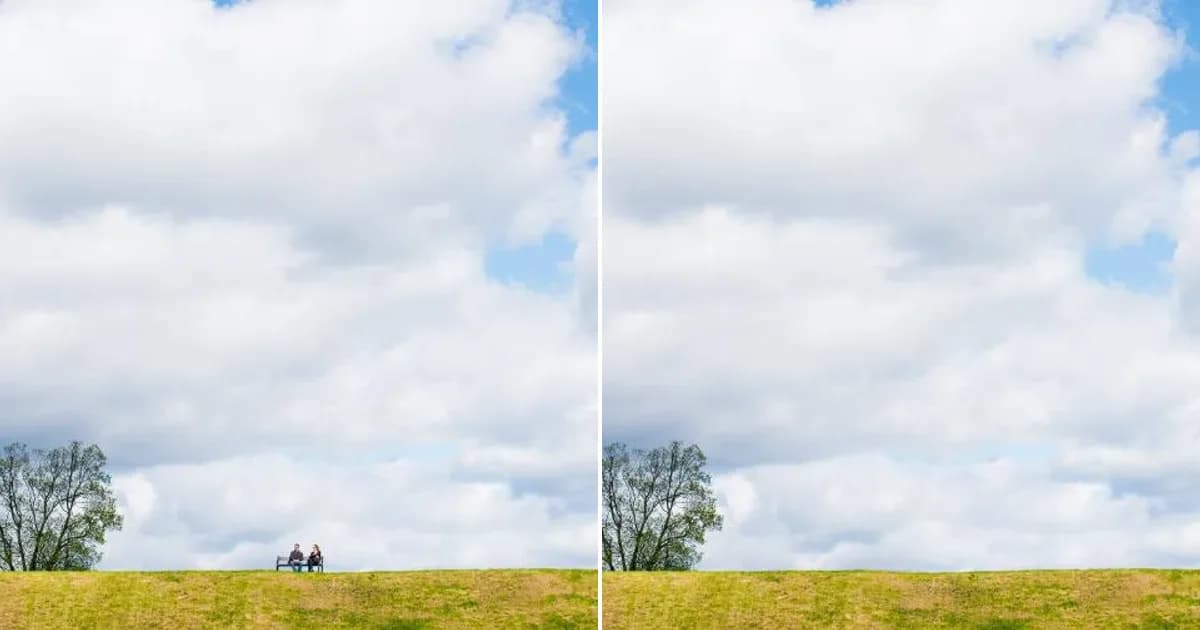
Create Clean, Minimalist Photos
Remove clutter that pulls attention away from your subject. Clear backgrounds, tidy rooms and empty streets help your photos look calm, balanced and professional.
Try it now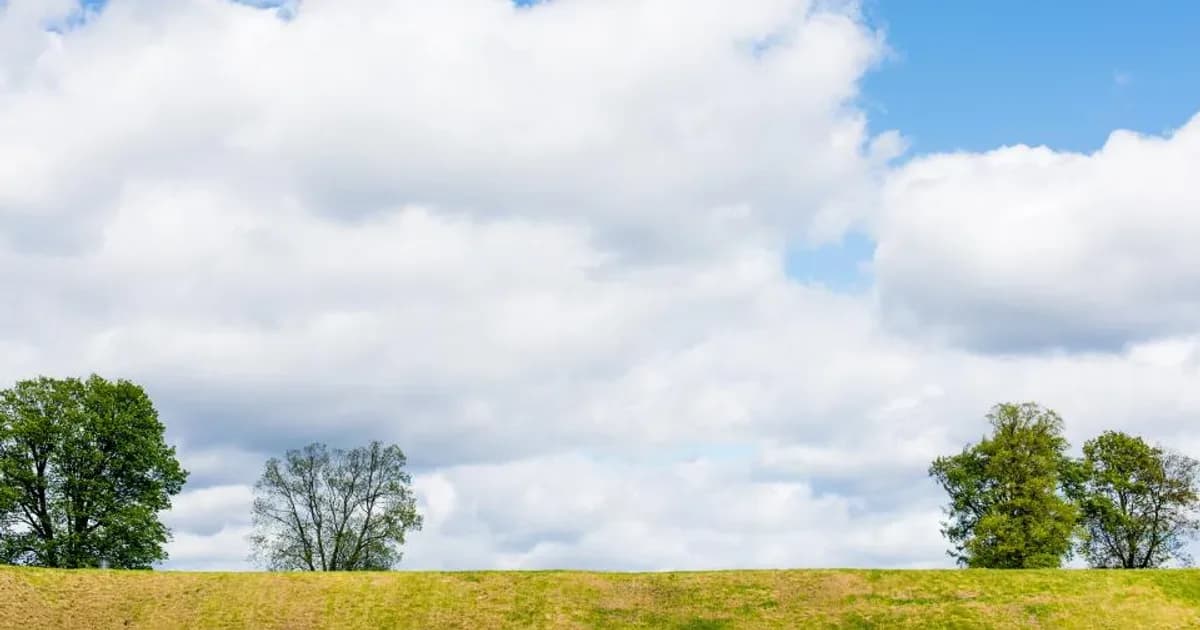
Studio-Quality E-commerce Images
Remove stands, dust, tags and reflections from product photos so every listing looks consistent. Clean product images help shoppers focus on the item itself.
Try it now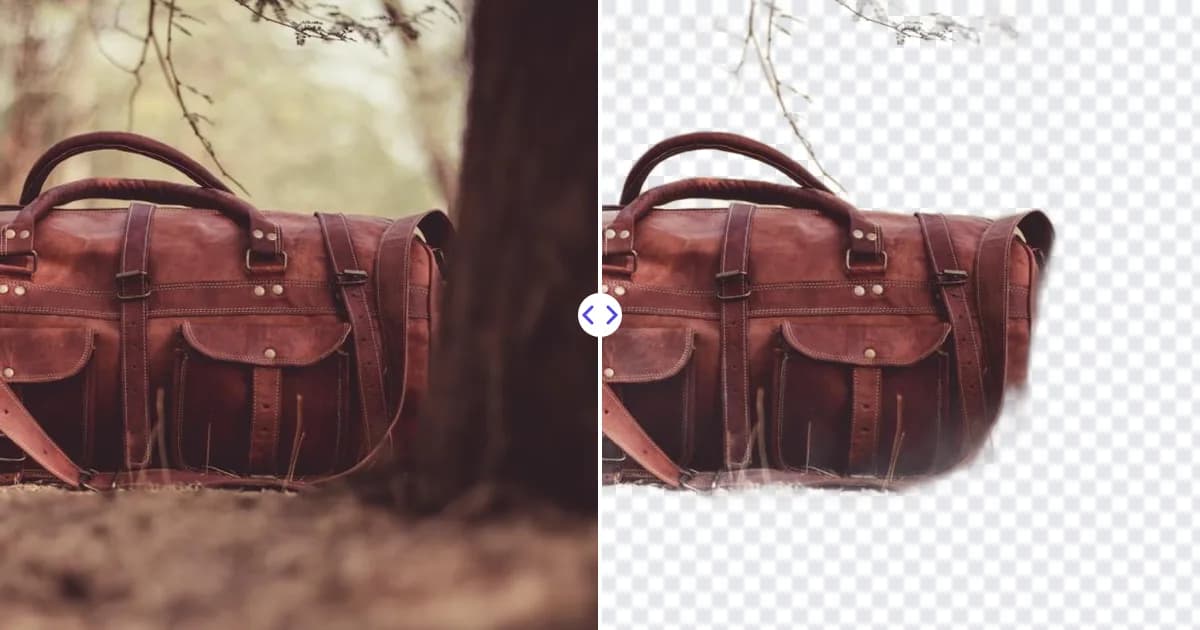
Why Use Remove Photo Bg as Your Magic Eraser
Remove Photo Bg makes photo cleanup quick and simple, without complex photo editing software.
Free object remover
Remove objects from photos for free, directly in your browser.
No sign-up needed
Open the tool and start erasing. No account is required.
Smart AI inpainting
The AI rebuilds the background behind the removed object, matching textures, colors and lighting.
Simple brush tool
Just paint over what you want gone. No layers, clone stamps or editing skills needed.
Fast results
Get a cleaned-up photo in seconds, so you can fix several images in a short time.
Works on any device
Use the magic eraser on desktop, tablet or phone in any modern browser.
Popular Uses for the Object Remover
Clean up distractions and keep the focus on what matters in your photo.
Remove people from photos
Erase tourists, strangers and photobombers from travel and vacation pictures.
Remove text and date stamps
Clear date stamps, captions and stray text from your scanned or old photos.
Fix skin blemishes
Remove spots, small blemishes and dust from portraits for a cleaner look.
Clean up landscapes
Erase power lines, signs, litter and other distractions from outdoor shots.
Product and e-commerce photos
Remove stands, tags, dust and props from product images before listing them online.
Real estate photos
Remove clutter, cars and unwanted items from property photos to present spaces clearly.
How people use Remove Photo Bg
Example feedback from common workflows. These are illustrative scenarios with stock photos, not verified customer reviews.
Before listing a flat I remove cables, bins and parked scooters from the photos. Large objects at the edge of the frame sometimes leave a smudge.

I brushed over two tourists walking through my shot, and the wall behind them was rebuilt better than I expected.

I make menu and flyer images myself now: cut out the dish, add a colour background, done.

I cut out speaker photos for event banners and posters. No account was needed, which helped when three of us shared the work.

A bin stood right behind the kids in our holiday photo. Two strokes and it was gone - you only notice the spot if you know where to look.

My dad's old camera printed the date on every photo. The orange digits came off cleanly on sky and walls, less so on busy grass.

It removed the date stamp and most scratches from scanned prints. Badly damaged corners still need manual work.

Small shiny rings are tricky. Most cut-outs were usable straight away; for thin chains I go over the edges with the restore brush.

Most of my catalogue came out clean on the first try. Shiny bottles needed a small fix with the restore brush.

Frequently Asked Questions
Find answers to common questions about our AI image tools.