Remove Power Lines from Photo - Clean Skies in a Few Brush Strokes
Remove power lines, cables and wires from photos with an AI eraser. Paint over the lines and the sky or background is filled in naturally. Free online tool.
4 min read
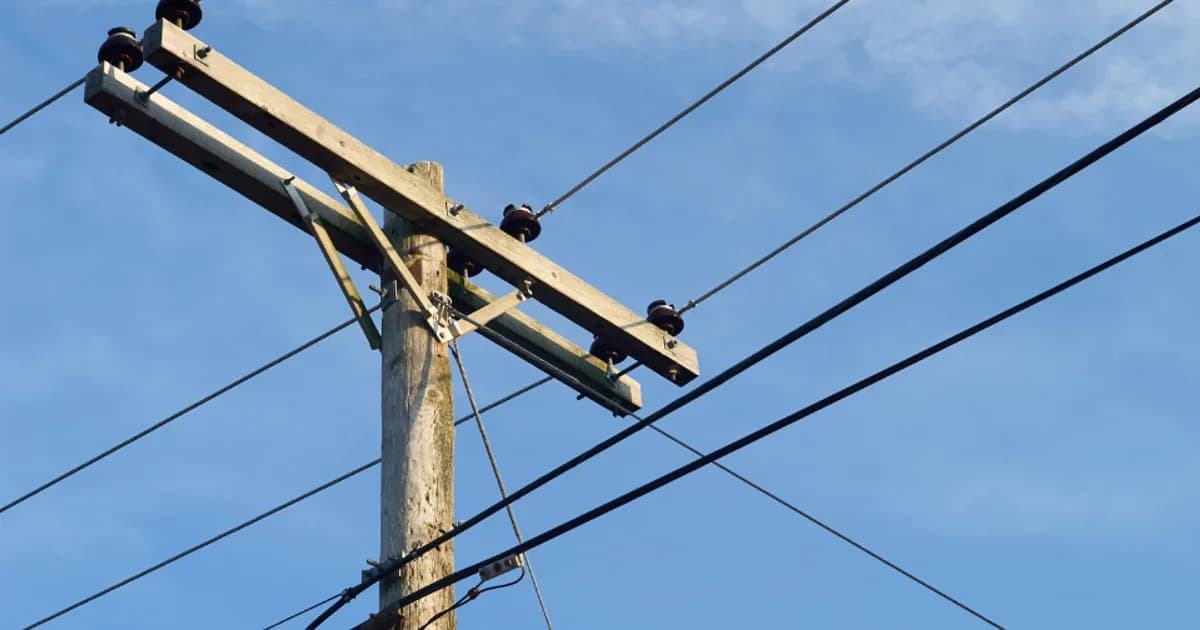
To remove power lines from a photo, upload it to the Remove Photo Bg object remover, paint over the wires with the brush, and let the AI fill the area with matching sky, trees or buildings. Thin cables across an open sky are one of the easiest things for AI inpainting to fix, so most images need only a few strokes.
The tool runs in any modern browser on desktop or mobile, accepts JPG, JPEG, PNG and WEBP files up to 16 MB, and is free to use.
Why power lines ruin otherwise good photos
Overhead wires are almost impossible to avoid in towns, along roads and even in the countryside. They cut across sunsets, slice through architecture shots and pull attention away from the subject. Because they are thin and high-contrast against a bright sky, the eye locks onto them immediately.
Removing them by hand with a clone stamp is slow: each line has to be followed pixel by pixel, and repeated sky textures are easy to spot. An AI eraser does the same job by looking at the surrounding pixels and generating a believable continuation of the background.
How to remove power lines from a photo
- Upload your image. Open the object remover and select your photo.
- Paint over the wires. Use a brush slightly wider than the cable. Follow each line from edge to edge, including the poles or insulators if you want them gone too.
- Let the AI fill the area. The marked pixels are replaced with sky, foliage or wall texture that matches the surroundings.
- Review and download. Zoom in, touch up any faint remains with a second pass, then download the cleaned image.
Tips for clean results
Work in sections
Long cables that cross the entire frame are easier to handle in two or three passes than in one huge stroke. Smaller masks give the AI more real background to sample from on each side.
Cover the whole line, including its shadow
On sunny days wires can cast thin shadows on walls or roads. If you leave the shadow, the edit looks unfinished. Paint over both.
Be careful where lines cross detail
Wires over plain sky or soft clouds disappear almost perfectly. Where a cable crosses a tree branch, a roof edge or a window frame, the AI has to reconstruct structure it cannot see. Use a narrower brush there and check the result closely; a second small pass often helps.
Start from the best original
Use the highest-resolution version of the photo you have. Heavy JPEG compression creates blocky artifacts around thin lines, and those artifacts can remain as faint ghosts after the edit.
What you can remove besides power lines
- Telephone and internet cables strung between houses
- Utility poles, street lamps and signposts
- Overhead tram and railway wires in city shots
- Antennas and satellite dishes on rooftops
- Fences, guy wires and ropes in landscape photos
For larger distractions such as cars, bins or people, see our guides to removing objects from photos and removing tourists from travel photos.
Who uses a power line remover
Real estate and property listings. Exterior shots of homes often have cables running past the facade. A clean sky makes the building the focus.
Travel and landscape photographers. Sunsets, mountain views and old-town streets look far better without a tangle of wires overhead.
Social media and blogs. A cleaner image simply reads better at small sizes, where thin lines turn into visual noise.
Prints and wall art. Distractions that are easy to ignore on a phone become obvious on a large print. If you plan to print, you can also run the cleaned photo through the image upscaler afterwards.
How the AI fills in the sky
The object remover uses inpainting: it treats the painted area as missing and predicts what should be there based on the colors, gradients and textures around it. Skies are mostly smooth gradients, which is why wires against open sky are among the most reliable edits. If you want the technical background, read what AI inpainting is and how it works.
Images are processed on our own servers and are not sent to third-party AI services.
Clean up your photo now
Ready to get rid of those cables? Open the object remover, brush over the power lines and download a clean version of your photo in a moment.