Remove Tourists from Photos - Empty Landmarks Without the Crowds
Remove tourists from photos of landmarks, beaches and city streets. Paint over strangers and AI fills in the scene behind them. Free online magic eraser.
4 min read
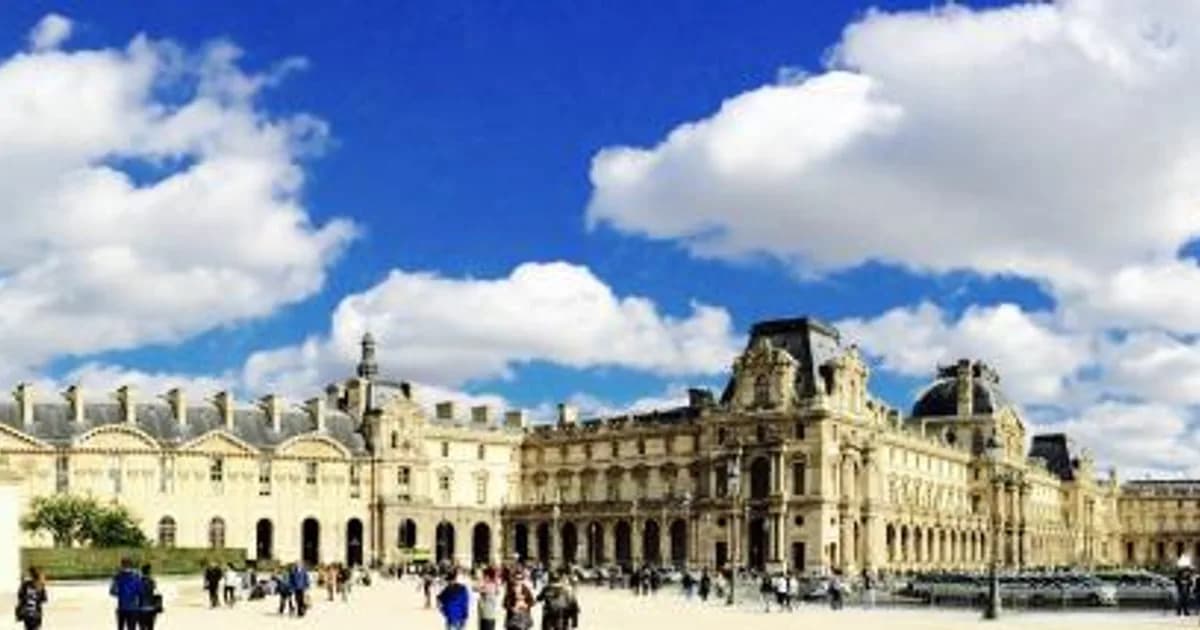
To remove tourists from photos, upload your travel shot to the Remove Photo Bg object remover, paint over the strangers in the background and let the AI rebuild the scene behind them. You keep your own moment at the landmark, minus the crowd that happened to be there at the same time.
It works in any modern browser on desktop and mobile, supports JPG, JPEG, PNG and WEBP up to 16 MB, and is free to use.
Why crowd-free travel photos are hard to take
Famous places are famous for a reason: everyone wants the same picture. Waiting for an empty frame at a popular viewpoint can take hours, and early-morning visits are not always possible. Most travelers come home with great light, a great composition and a dozen strangers walking through the shot.
The classic workaround is to shoot many frames on a tripod and blend them in Photoshop so moving people disappear. That works, but it needs planning at the location. An AI eraser fixes the single photo you actually took.
How to remove tourists from your photos
- Upload the photo. Open the object remover and choose your travel image.
- Brush over the people. Paint each unwanted person completely, including bags, selfie sticks and the shadow they cast on the ground.
- Let the AI fill the gap. The tool replaces the marked area with pavement, sand, water, walls or sky that matches the surroundings.
- Check and download. Zoom in, repeat on any leftovers, then save your crowd-free image.
Tips for the most natural result
Remove people one or two at a time
Instead of painting a whole crowd in one stroke, remove a couple of people per pass. Each pass leaves more real background around the mask, which gives the AI better information to work with.
Start with people against simple backgrounds
Someone standing in front of open sky, a plain wall, grass or the sea is easy to erase. Someone covering half of an ornate facade is harder, because the AI has to invent architectural detail it cannot see. For those, expect a believable fill rather than an exact reconstruction of the hidden carvings.
Do not forget shadows and reflections
On sunny days and near water, people leave shadows and reflections. If they stay behind, the edit looks odd. Paint them out along with the person.
Know when to crop instead
If a large group fills most of the frame, removing everyone may leave too little real information to rebuild the scene. Cropping tighter, then erasing the few people left at the edges, often looks better.
Upload the full-size original
Photos shared through messaging apps are often shrunk and compressed. Upload the original from your camera roll or cloud backup, so the AI has sharp surrounding detail to match and the filled areas blend in with the rest of the picture.
Good situations for removing tourists
- Landmarks and monuments with people walking across the foreground
- Beaches and pools with strangers in the background of a family photo
- Narrow old-town streets and markets
- Viewpoints and bridges where someone leans into your shot
- Museum and gallery interiors where photography is allowed
The same technique works for any unwanted person, not only tourists. Our page on how to remove a person from a photo covers ex-partners, photobombers and passers-by, and the blog guide how to remove people from photos goes deeper into technique.
Clean up the rest of the scene too
Tourists are rarely the only distraction. While the image is open, you can also erase litter, parked scooters, signs or traffic cones. In city and countryside shots, overhead cables are another common problem; see how to remove power lines from a photo.
If you plan to print a favorite travel photo large, run the cleaned image through the image upscaler afterwards for a higher-resolution file.
A note on honesty and privacy
Removing strangers is a common and reasonable edit for personal travel memories, and it also keeps other people's faces out of photos you share publicly. If you use edited images commercially, such as in travel advertising, be transparent where your industry expects realistic depictions of a location.
Your images are processed on our own servers and are not sent to third-party AI services.
Get your empty landmark shot
Open the object remover, paint over the crowd and download the travel photo you wanted to take in the first place.