Photo editing tips and tutorials
Practical guides on removing backgrounds, erasing objects, upscaling images and preparing photos for e-commerce, print and social media.
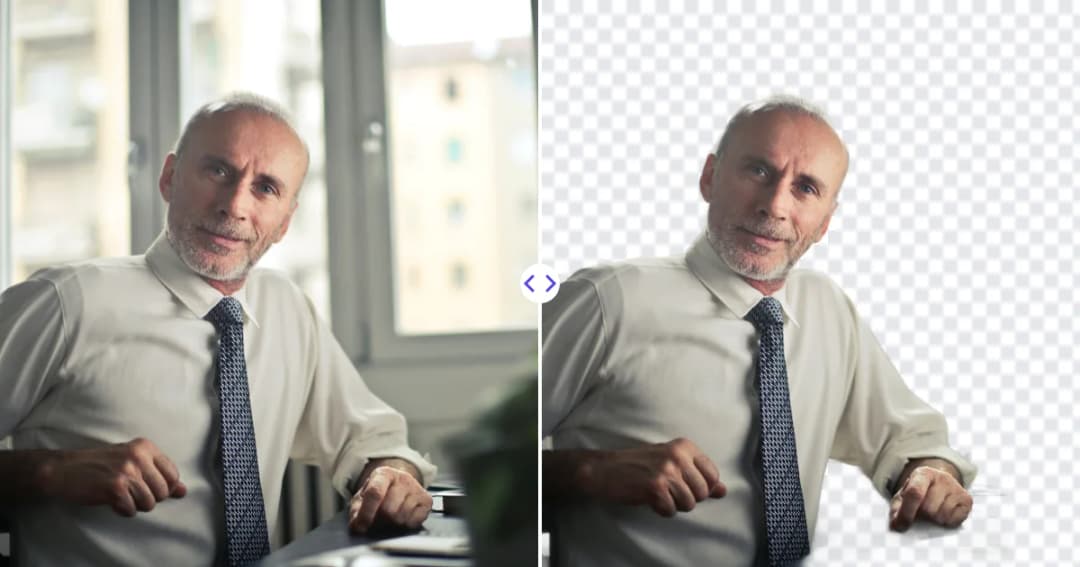
Take a professional headshot at home with just a phone: light, framing, posing and outfit tips, plus how to clean up the background and finish the photo.
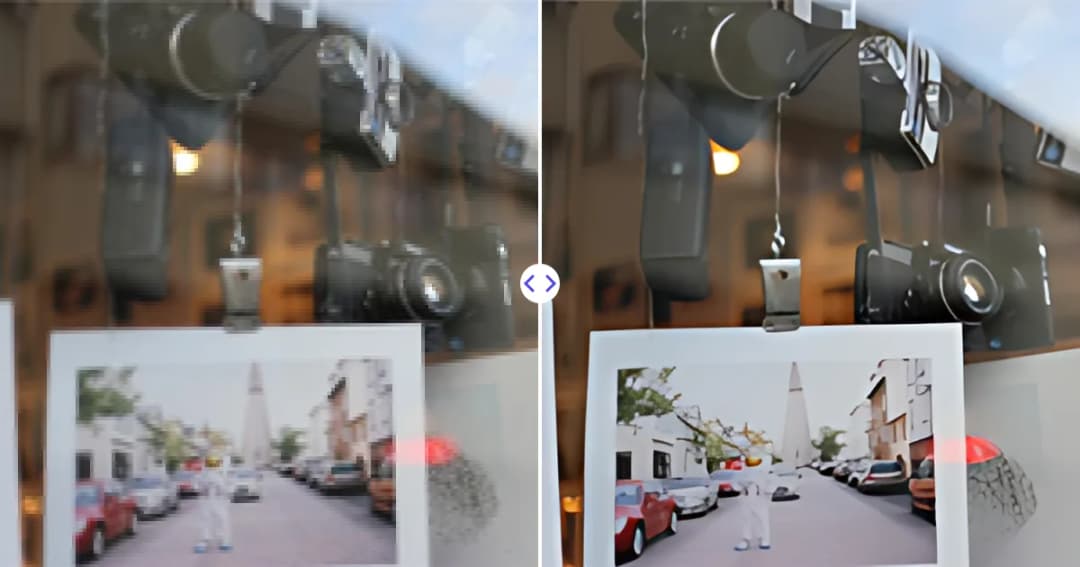
Learn how to prepare images for print: check pixel size, aim for 300 PPI, handle bleed and color, choose the right format, and upscale small photos.
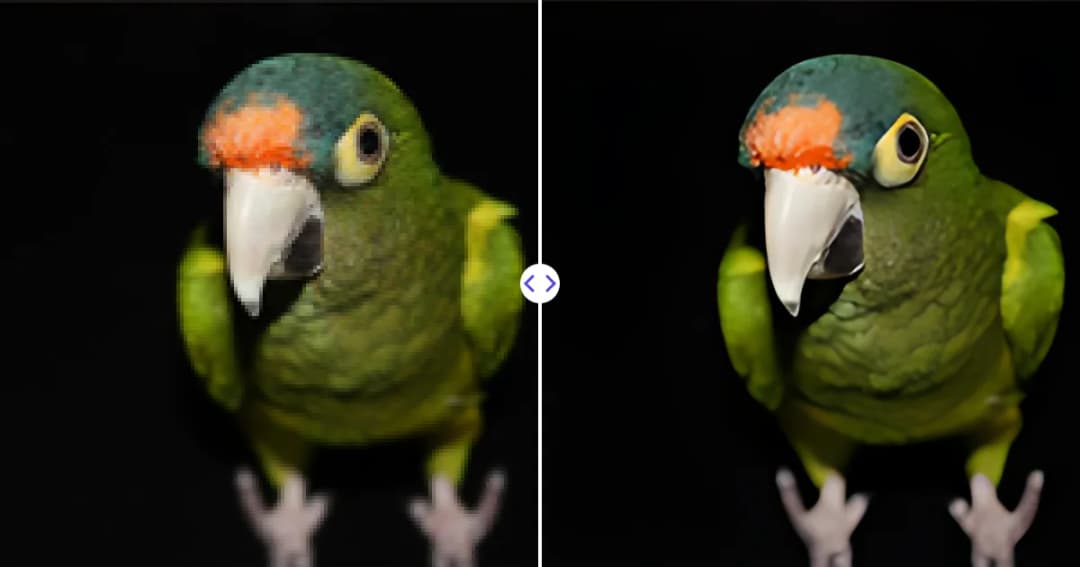
Pixelated images have visible blocks and jagged edges. Learn why it happens, how to fix pixelated photos and logos with AI upscaling, and how to avoid it.
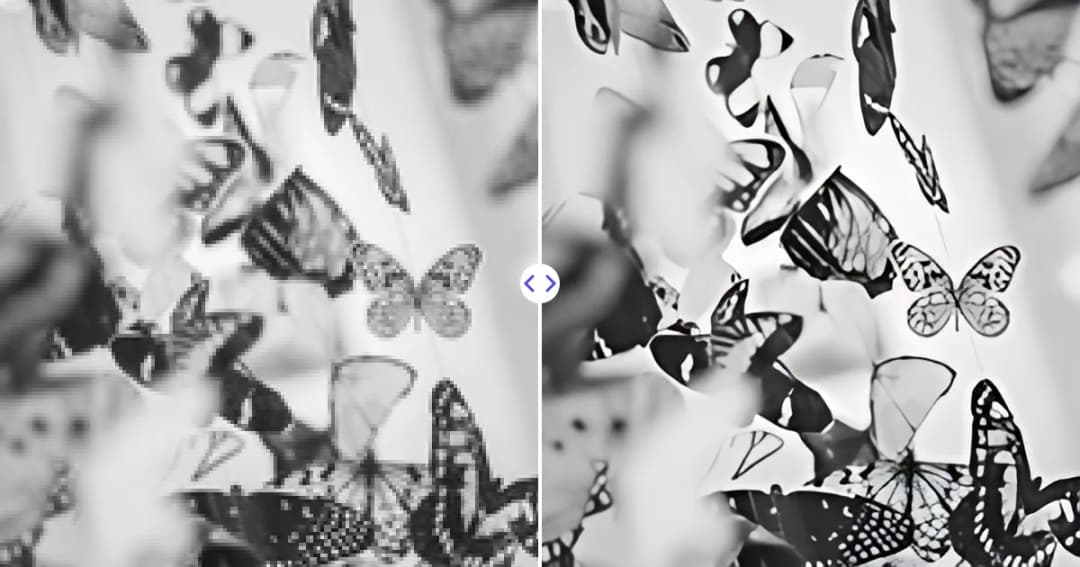
DPI, PPI and resolution are often mixed up. Learn what each one measures, which matters for screens and print, and how to calculate the right image size.
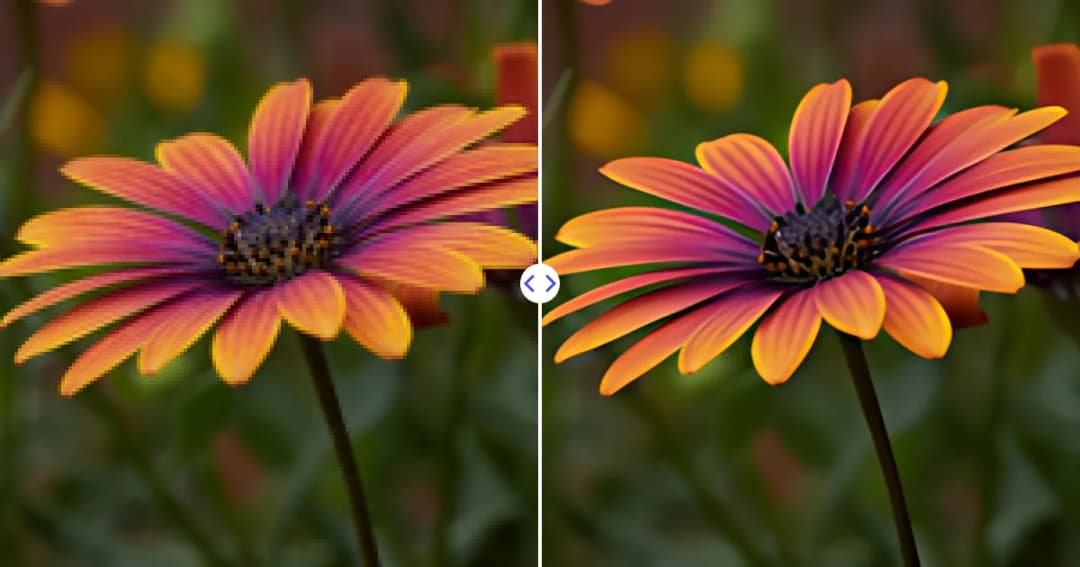
AI image upscaling enlarges pictures by predicting new detail instead of stretching pixels. Learn how it works, where it shines and what its limits are.
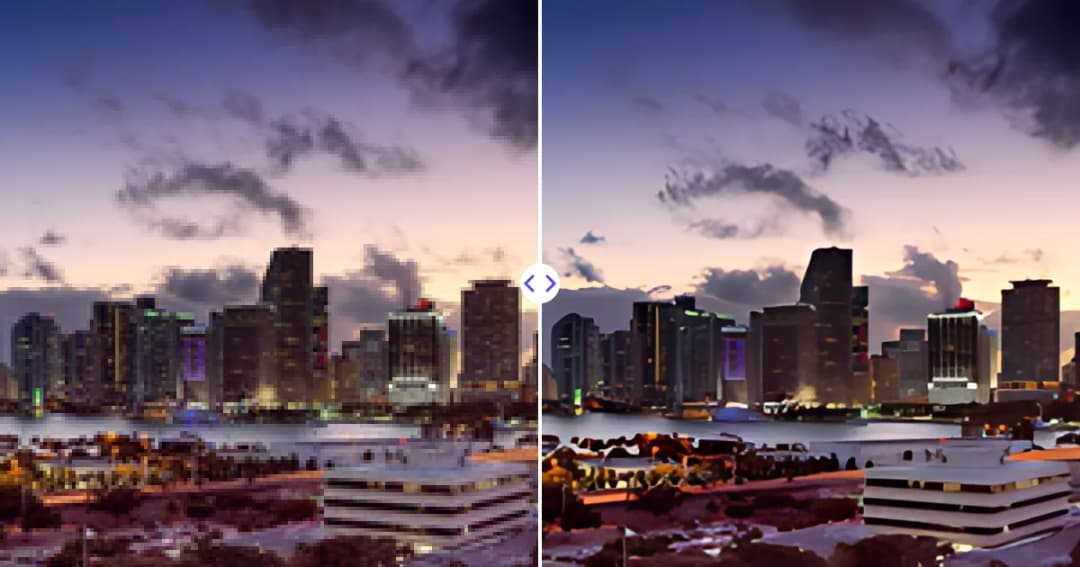
Learn how to increase image resolution the right way: when resizing works, when AI upscaling is better, and how to get sharp results for web and print.
Learn how to clean up old photos: handle prints safely, scan them well, remove dust, scratches and date stamps with AI, then enlarge and sharpen for sharing.

What is AI inpainting? A clear explanation of how AI fills masked areas of an image, how it differs from older methods, where it works well and its limitations.
Learn how to remove text from an image: erase captions, date stamps and labels with an AI eraser, get clean results on busy backgrounds and respect copyright.